

Infinity Workspace 3.1
Made from what churches asked for after their first Sabbaths with Infinity Workspace.
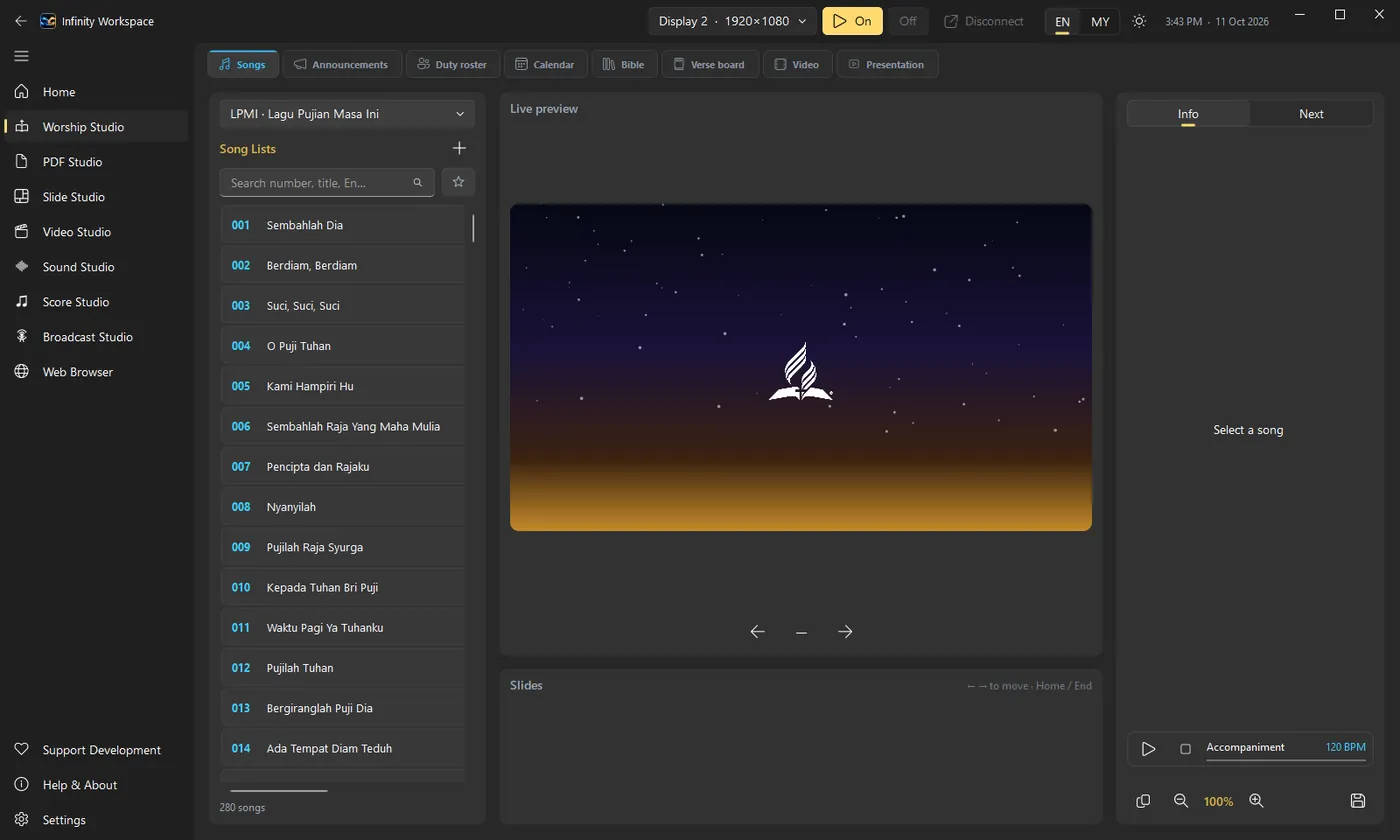
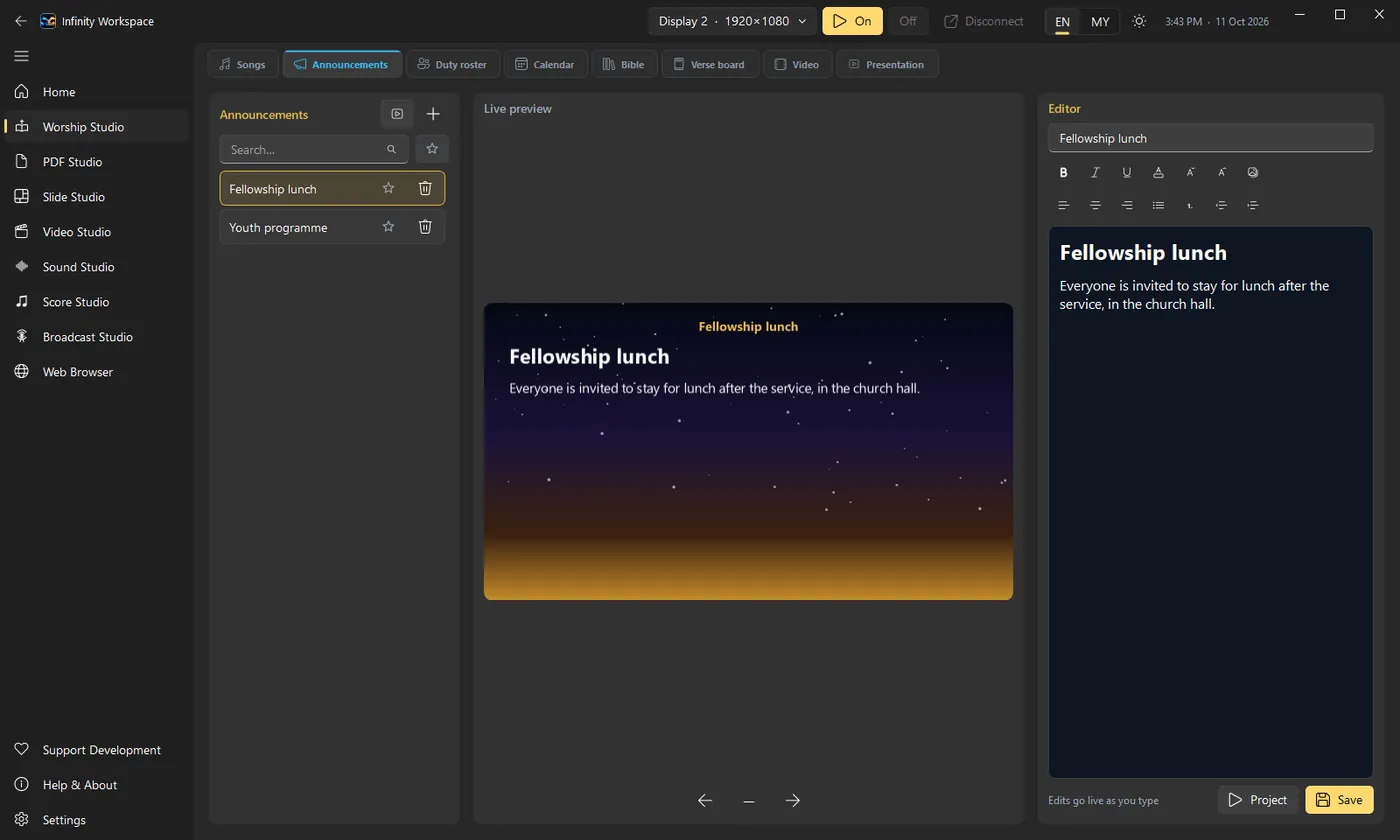
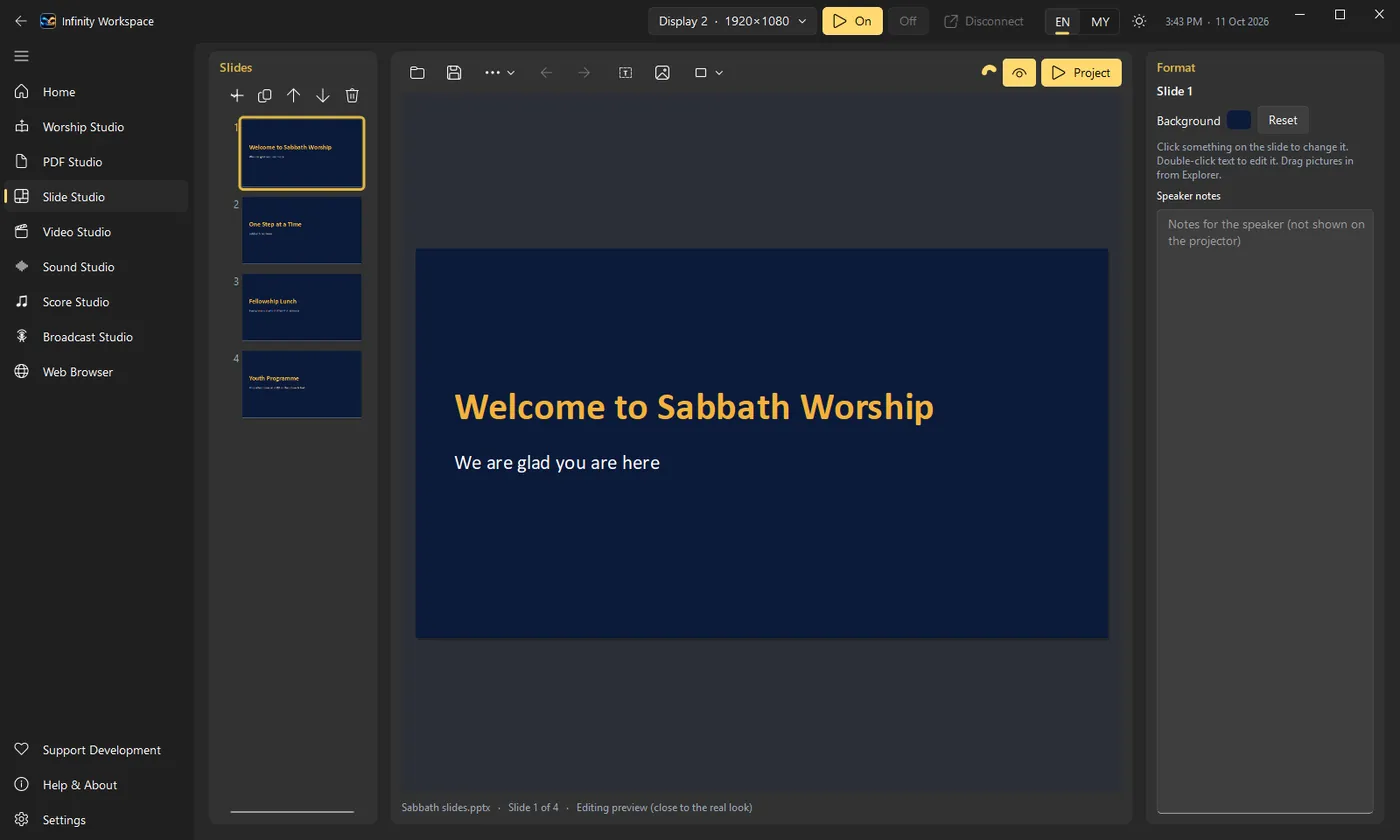
- Preview first, then Project: clicking a song, verse, page or slide shows it in the preview; Project (beside the preview, in the title bar, or Ctrl+Enter) puts it on the projector. The arrow keys, a clicker and the phone remote move what is on the projector, so the next song can wait in the preview. Settings can switch back to one click.
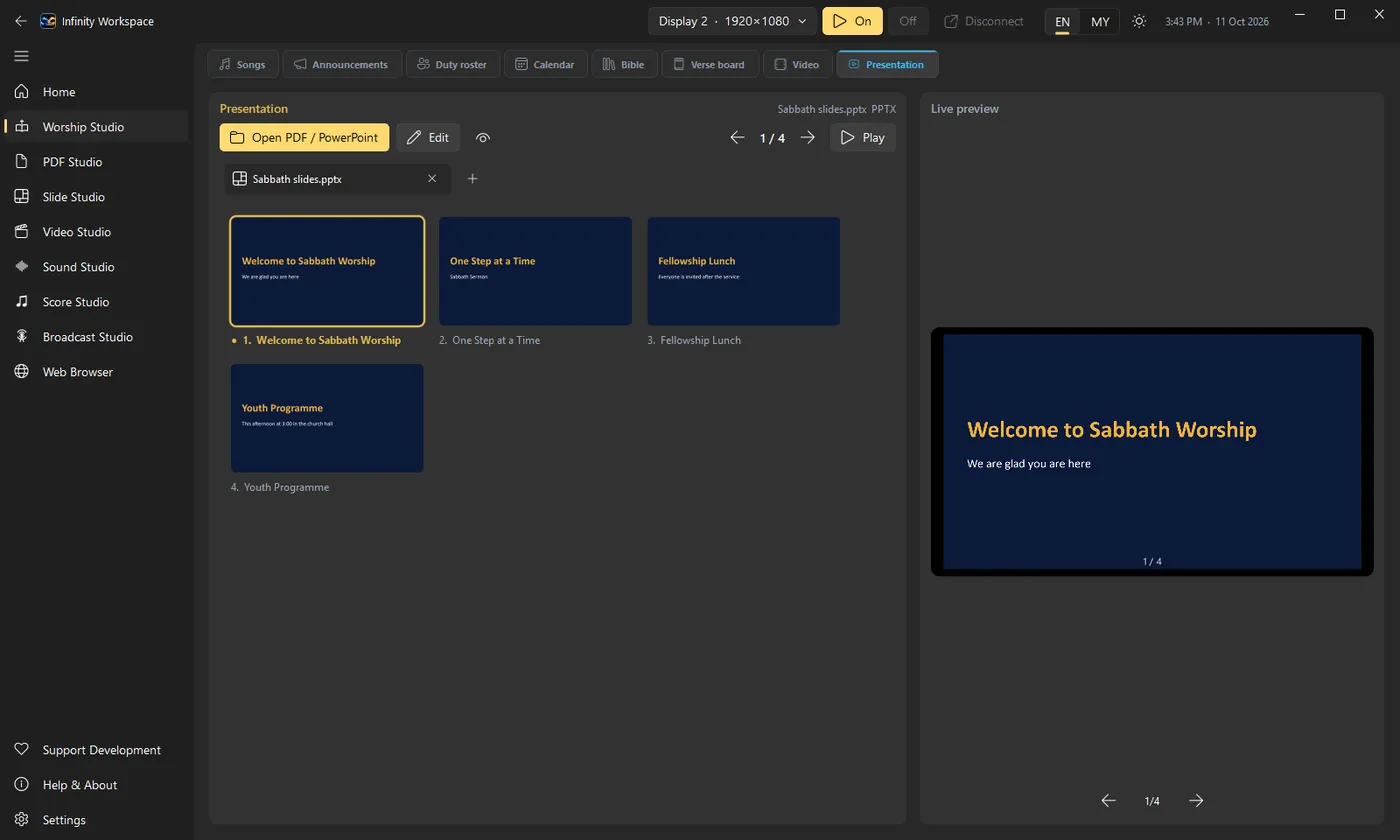
- Sabbath tab in Worship Studio: this Sabbath's order of service, step by step, for Sabbath School and the Divine Service, with each step's leader from the duty roster. Add songs, PowerPoint, PDF, Word, videos and YouTube links to the steps, then run the whole service with Next step or the clicker.
- Church setup in Settings: your church's name, Sabbath School and Divine Service times, and a welcome screen with a countdown to the start of the service.
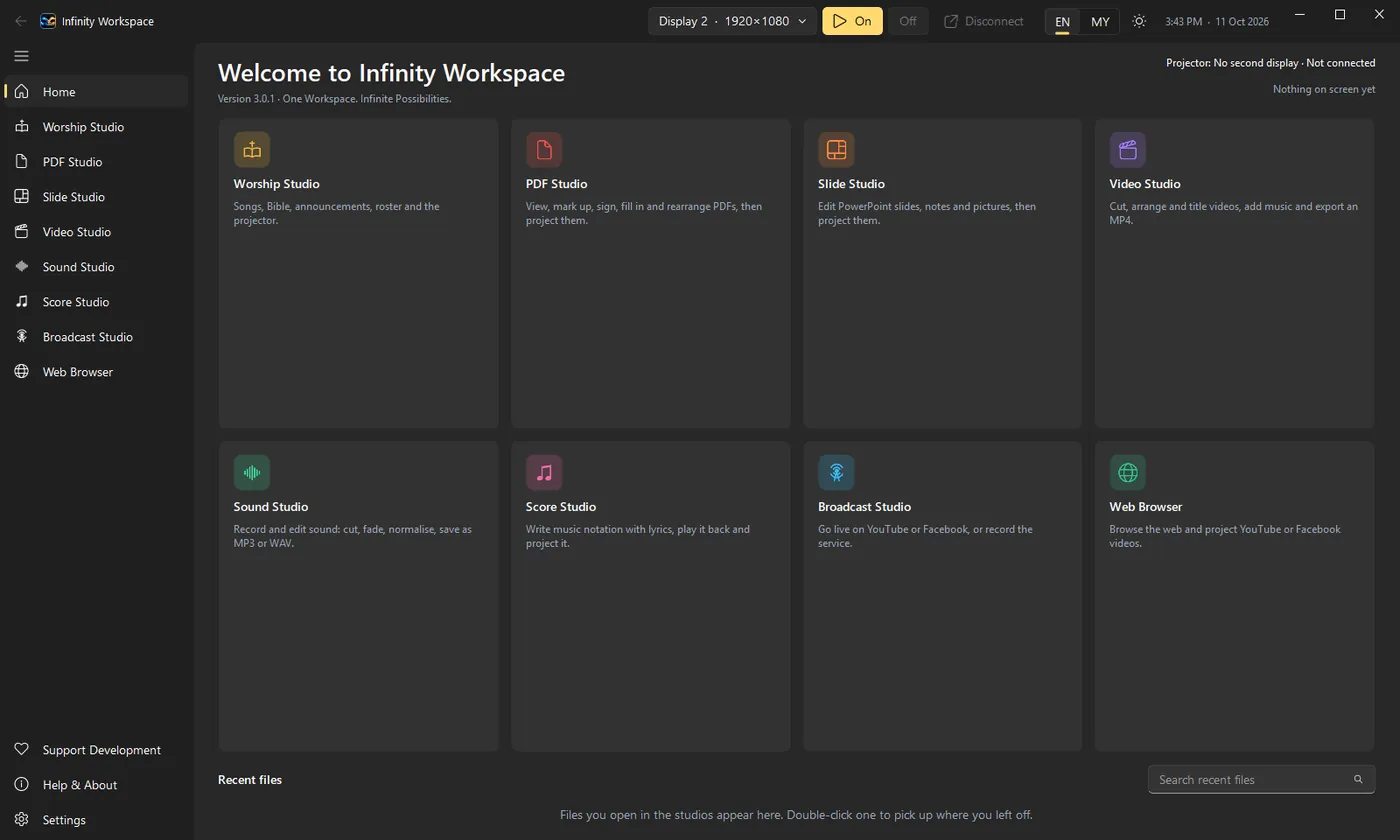
- Photo Studio, a new studio for photo slide shows: add photos or a whole folder, Fade, Slide or Zoom between them, gentle movement, a song (a file, a Music Player song or an LPMI accompaniment), and text slides with a countdown.
- Black, Logo and Picture buttons in the title bar, from any page.
- Clickers and the phone remote: presentation clickers work with no setup (Page Down / Page Up, B for black), even while the song search box has the cursor. The phone button on the Songs page shows a QR code for the phone remote, and the remote now locks out a phone that gets the PIN wrong five times.
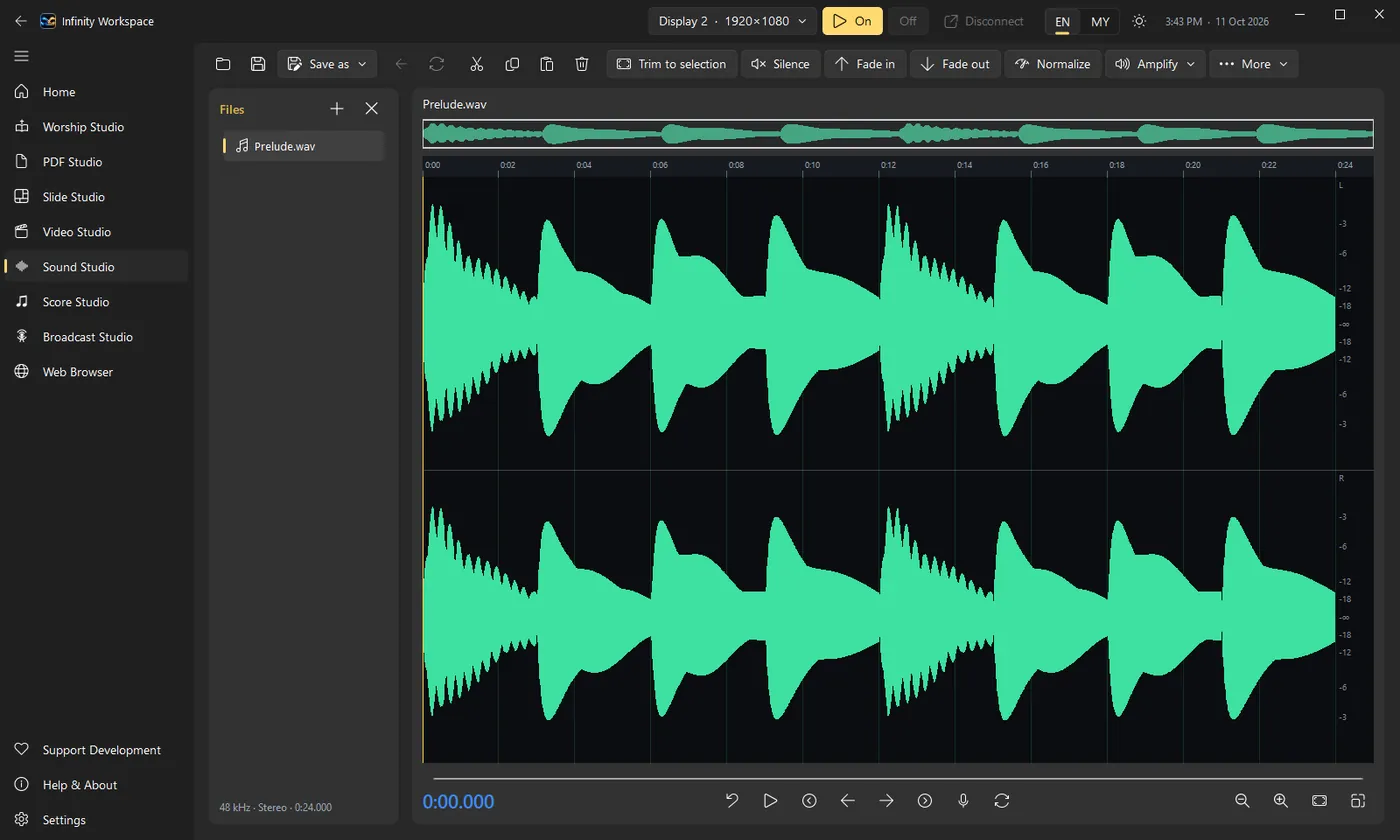
- Record the service from the mixer: Sound Studio's new recorder records a mixer connected by USB (or any microphone) straight to a file for as long as the service lasts, with level meters to set the mixer first. It keeps recording while you use other pages and saves an MP3 or WAV in Documents › Recordings.
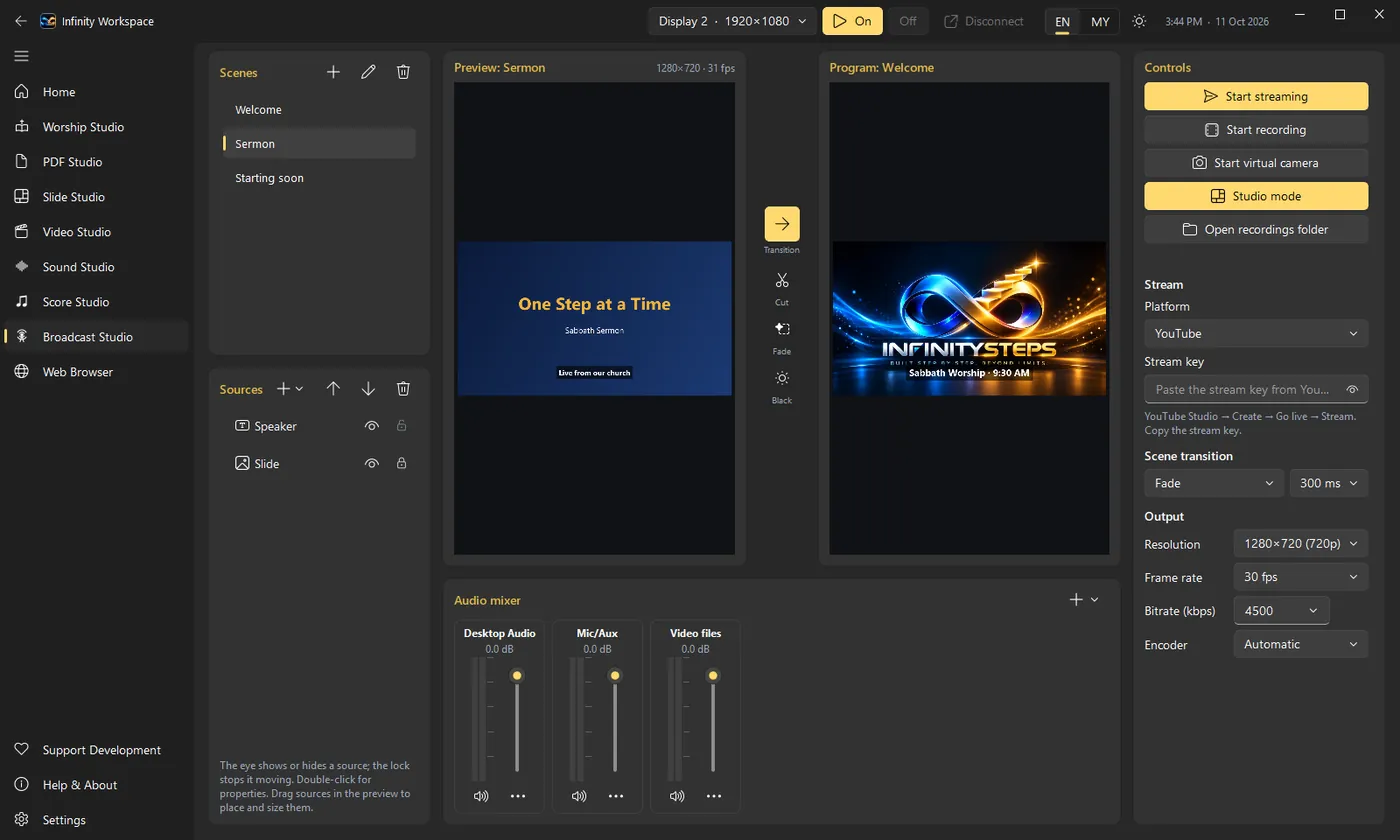
- Broadcast Studio:
- smooth stream sound: no more wobbling or cutting out;
- videos wait paused, with Play, Stop, a slider and Loop, and their sound goes out only once their scene is in Program;
- the Infinity Workspace sound strip puts the Music Player, accompaniment and videos straight into the stream;
- the Worship output source shows playing videos;
- worship controls under the views: song search, verse buttons, Previous / Next, Black, Logo and the song's accompaniment, which stops when you switch scenes;
- the title bar's Live button opens a small window with the broadcast over any page;
- Sound to Zoom through a free virtual cable (VB-CABLE).
- Song accompaniment has its own player, so the Music Player's background music carries on separately.
- Dark theme fixes: pop-up windows (the roster, the song editor, PDF and Score Studio windows) and the Songs page's Next tab are readable again.
For Windows and for Macs with Apple silicon. On the Mac, Broadcast Studio's desktop and app sound and the virtual camera are still Windows only.
Windows may show "Windows protected your PC" because the installer isn't code-signed yet. Click More info, then Run anyway.